AI YouTube Thumbnail Maker
Describe your video in one sentence and get 16:9 thumbnails with a bold, perfectly spelled title. Built for click-through rate: big faces, high contrast, clean space for text.
Size guide: YouTube Thumbnail Size (2026): Official Dimensions & Limits · YouTube Thumbnail Ideas: 25 Styles That Get Clicks · How to Make a YouTube Thumbnail, Step by Step
Your images will appear here
Hover an image to download or add a title.
Examples made with YouTube Thumbnail Maker



What makes a YouTube thumbnail get clicks
People decide in a fraction of a second while scrolling, usually on a phone where your thumbnail is about the size of a postage stamp. The thumbnails that win share a few traits:
- One clear subject. A face with a strong emotion, or a single object, filling at least a third of the frame. Busy scenes turn into noise at small sizes.
- Contrast. A bright subject on a darker, simpler background, or the reverse. Colour contrast is what makes a tile pop out of the feed.
- Three words or fewer. The thumbnail and the video title work as a pair: the title explains, the thumbnail creates curiosity. Do not repeat the title word for word.
- A visual promise. Show the result, the reaction or the "before and after" the viewer will get. If the video does not deliver it, the click turns into a quick exit, which hurts more than it helps.
Thumbnail ideas by niche
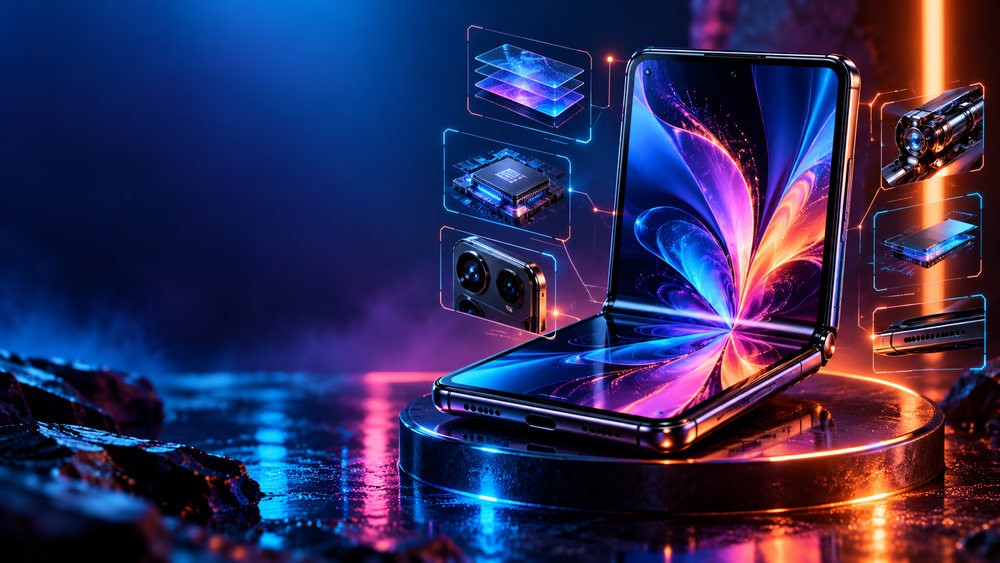
- Tech and reviews: the product large on a dark studio background with coloured rim light, and a short verdict such as "Worth it?".
- Gaming: a stylised character or moment from the game, speed lines, a big reaction face in the corner.
- Finance and business: clean, trustworthy compositions with green accents, a number ("$40k") and a calm, confident face.
- Vlogs and travel: one cinematic frame from the best moment of the video with a two-word headline.
- Education and how-to: before-and-after splits, arrows and circles pointing at the key detail.
More ideas, grouped by style, are in our YouTube thumbnail ideas guide.
How the title stays perfectly spelled
Image models are good at scenes and bad at letters: AI-generated text is often misspelled or warped. ThumbnailSnap keeps the generated image text-free and leaves clean space for a headline. You then add the title in the editor as real typography, with heavy fonts, outlines and drop shadows tuned for thumbnails. You can change the words any time without regenerating the image, which also makes A/B testing different headlines quick.
Size and format checklist
- 16:9 aspect ratio. We export 1600×900 PNGs; YouTube recommends going as large as 3840×2160.
- Under 2 MB if you upload from the mobile app; up to 50 MB on desktop.
- Keep the bottom-right corner clear: the video length badge covers it.
- Check the thumbnail at 168 px wide before you publish. If you cannot read it, simplify.
Every number is explained in the YouTube thumbnail size guide, and the full workflow is in how to make a YouTube thumbnail.
How it works
Frequently asked questions
What size are YouTube thumbnails?
16:9. YouTube now recommends 3840×2160 and accepts anything at least 640 px wide, up to 2 MB from the mobile app or 50 MB on desktop. We export 1600×900 PNGs, comfortably above the long-standing 1280×720 standard. See our YouTube thumbnail size guide for every format.
Is the AI thumbnail maker free?
New accounts get 40 free credits, enough for about ten images. Free exports carry a small corner mark and are for personal use; Creator and Studio plans remove the mark and include a commercial license.
Can I put my own face on the thumbnail?
Yes. Upload a photo of yourself as a reference: the AI keeps your likeness and repaints the background, lighting and expression to fit the scene.
Why is the text always right?
Image models often misspell words. We keep the AI image text-free and the editor overlays real typography, so your headline is always spelled correctly and you can change it any time.
Which thumbnail gets more clicks?
Generate several variations and A/B test them with YouTube's Test & Compare. Big expressive faces, three words or fewer, and strong colour contrast win most often.