AI QR Code Art Generator
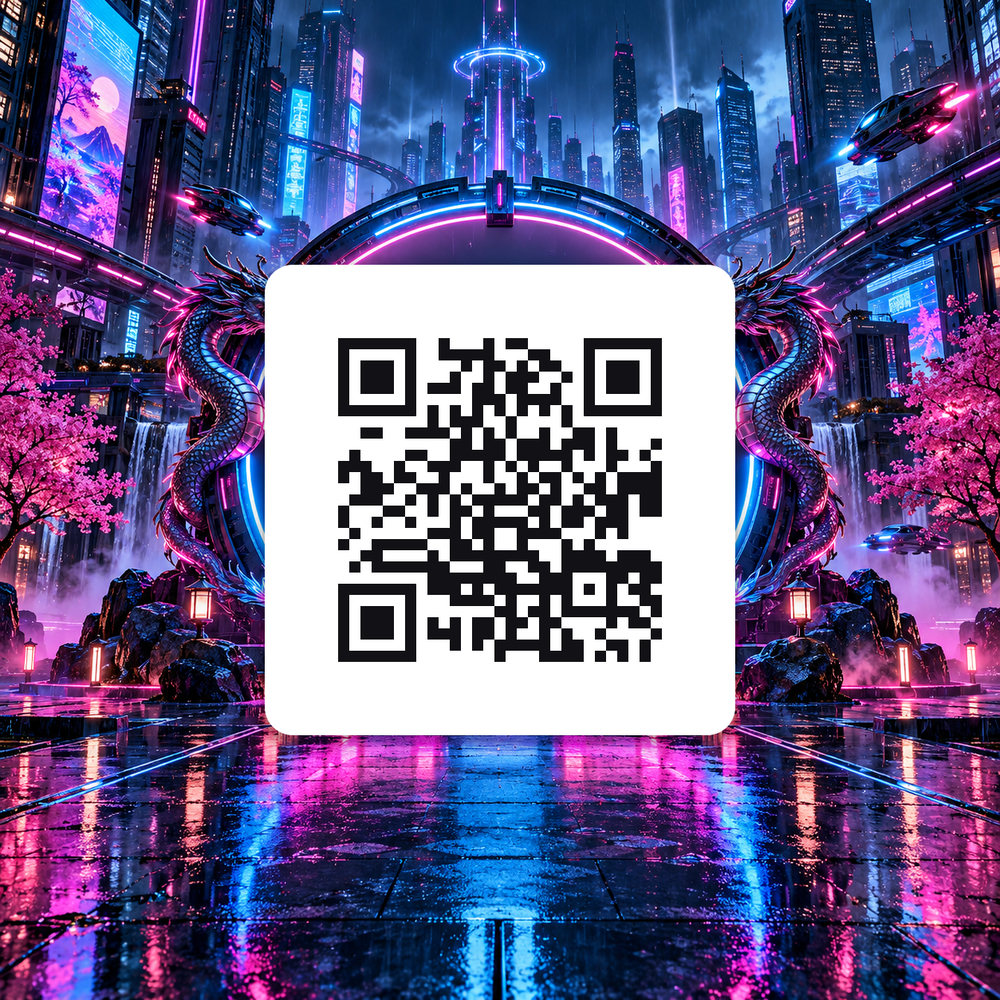
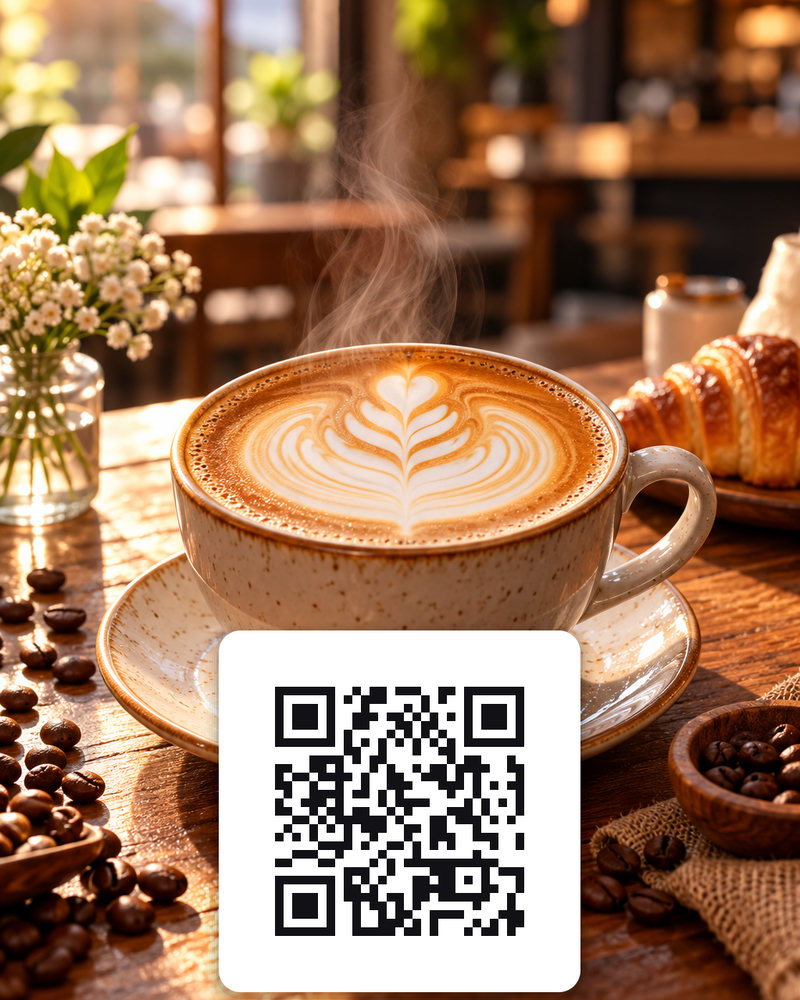
Paste a link, describe the scene you want, and get an artistic QR code poster. Every result is decoded again before you see it, so it always scans.
Shorter is better. Use a short link for complex URLs.
Your images will appear here
Hover an image to download.
Examples made with AI QR Code Generator
How AI QR codes work
A QR code is a grid of dark and light modules. Scanners only need enough contrast in the right places, so the rest of the area can carry artwork. We generate the code with the highest error correction, compose the artwork around it, and then decode every result with a real QR reader. Images that do not scan are discarded before you see them.
Make sure it scans in print
- Size: a common rule of thumb is a code at least one tenth of the scanning distance. For a table card read from 30 cm, print it 3 cm wide or larger.
- Contrast: dark modules on a light background scan most reliably.
- Quiet zone: leave a clear margin around the code.
- Short links: shorter URLs make simpler codes that blend better.
- Test before printing with two different phones.
Where to use QR art
- Restaurant menus and table cards.
- Product packaging and inserts.
- Event posters and flyers.
- Shop windows and business cards.
- Holiday cards that link to a video or photo album.
Paid plans include a commercial licence for these uses.
Choosing a style that still scans
Scenes with mid-tones and moderate detail blend best: city streets at night, gardens, food, textures. Very dark images, very busy patterns and large areas of a single bright colour make it harder to keep contrast in the code area. Describe the scene, then pick the result that looks best to you; every image you see has already passed our scan check. Shorter links help too, because they produce codes with fewer modules.
How it works
Frequently asked questions
Will an AI QR code still scan?
Yes. We generate the code at the highest error-correction level and decode every result with a real QR reader before showing it to you. Anything that fails is discarded automatically.
What can I put in the QR code?
Any URL, Wi-Fi string, text or short message up to 300 characters. Shorter links produce simpler codes that blend better into the artwork.
What sizes do I get?
Square 1024×1024 posters and 4:5 table cards, exported as PNG. Pro quality renders extra detail for print.
Can I use it commercially?
Paid plans include a commercial license, so you can use the codes on menus, packaging, flyers and ads. Free-plan images are for personal use.