AI Album Cover Generator
Describe the mood of the record and get square 3000×3000 cover art. Add the artist and title as real text, ready for your distributor.
Your images will appear here
Hover an image to download or add a title.
Examples made with AI Album Cover Generator
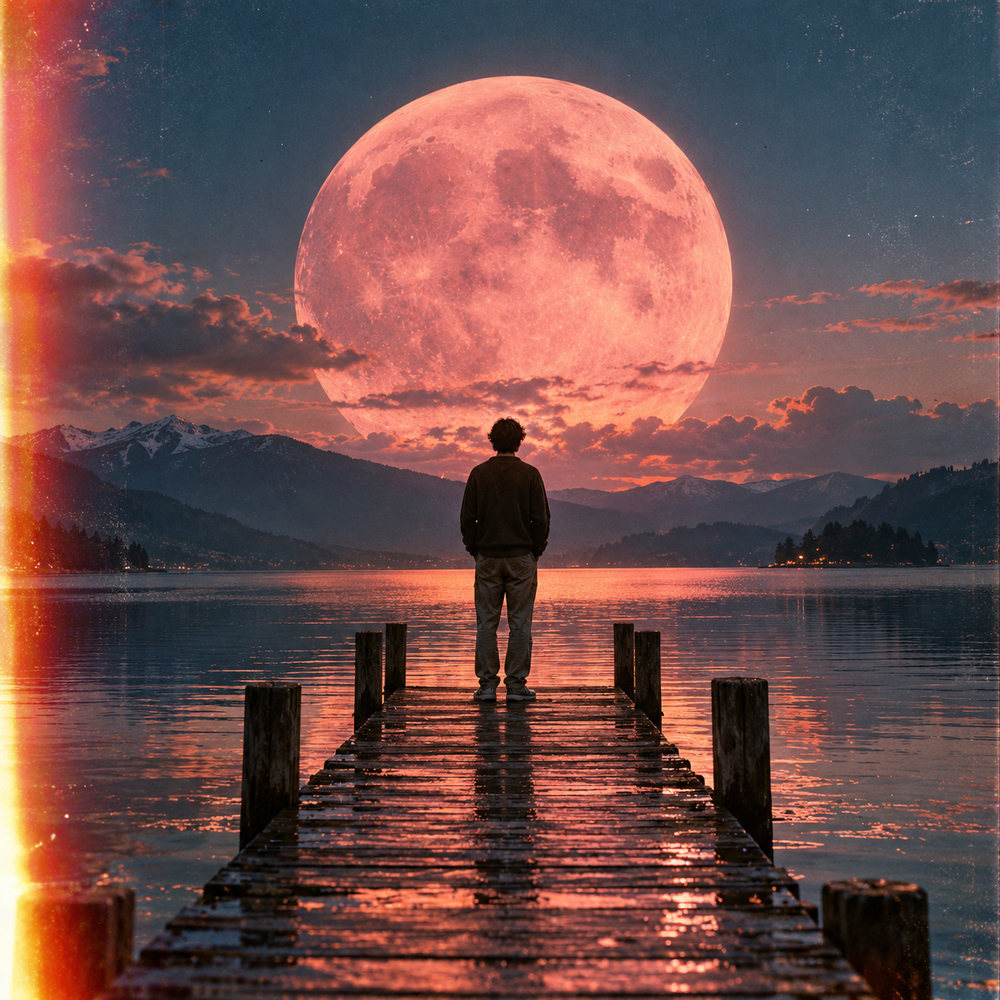
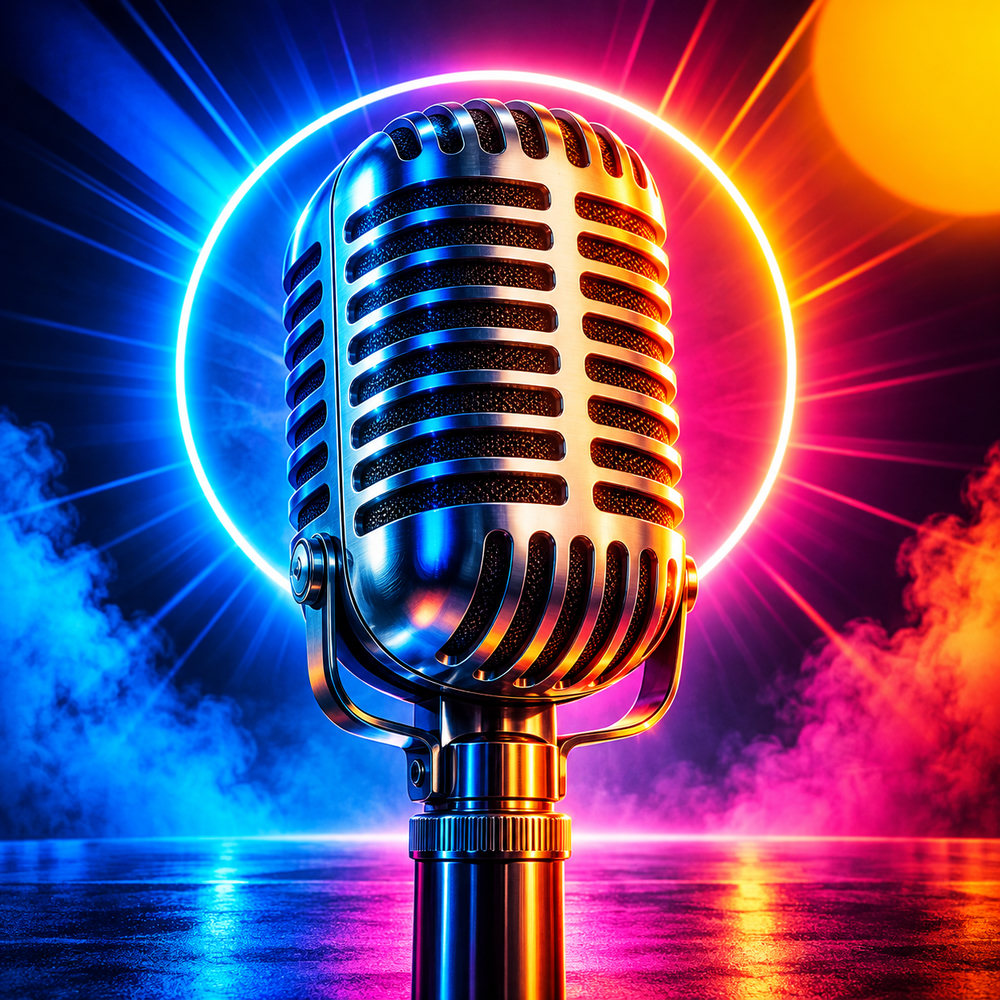
Album and single cover specs
Most distributors ask for a square image of 3000×3000 pixels in JPEG or PNG, sharp and without borders. The artist and release names on the cover should match the names in your release metadata, and the artwork should not contain website addresses, social handles or other brands. We export 3000×3000 so your file meets the usual requirements.
Ideas by genre
- Electronic and synthwave: neon, chrome, grids and night skies.
- Indie and lo-fi: film grain, faded colours, a single figure in a quiet scene.
- Hip-hop: bold portraits, strong colour blocking, gritty textures.
- Acoustic and folk: natural light, hand-drawn textures, warm palettes.
Typography that holds up
Covers are shown small in streaming apps, so keep the artist name short and heavy, or leave text off and let the image carry the release. Our editor overlays the artist and title as real text, so names are spelled exactly as you typed them. Paid plans include a commercial licence for images you generate; check your distributor's rules on AI artwork before you submit.
From idea to release-ready file
- Start from the music: describe the mood, era and setting of the record in one sentence.
- Generate several directions with different styles, then refine the one that fits.
- Add the text last: artist and title as real typography, or no text at all for a cleaner look.
- Check it small: view the cover at 100 pixels wide, the size most listeners see in playlists.
- Export at 3000×3000 and upload it with your release.
Keep a consistent visual language across a single and its album so listeners recognise the release in their feed.
How it works
Frequently asked questions
What size is album cover art?
Square. Most distributors ask for 3000×3000 pixels; we export exactly that.
Can I release music with AI cover art?
Paid plans include a commercial license for images you generate. Check your distributor's rules on AI artwork before you submit.
Is it free?
New accounts get 40 free credits, enough for about ten images. Free exports carry a small corner mark and are for personal use; Creator and Studio plans remove the mark and include a commercial license.