AI TikTok Cover Maker
Vertical 1080×1920 covers for TikTok, Instagram Reels and YouTube Shorts. Describe the clip, pick a style, add a headline that reads on a phone screen.
Size guide: TikTok Cover Size 2026 (and Reels & Shorts Covers)
Your images will appear here
Hover an image to download or add a title.
Examples made with TikTok Cover Maker

Why TikTok covers matter
In the For You feed, nobody sees your cover. On your profile, everyone does. When a viewer likes one video and taps through to your profile, the grid of covers is what convinces them to watch more and follow. Covers with a consistent style and a readable headline turn a random scroll into a binge.
Cover ideas that work
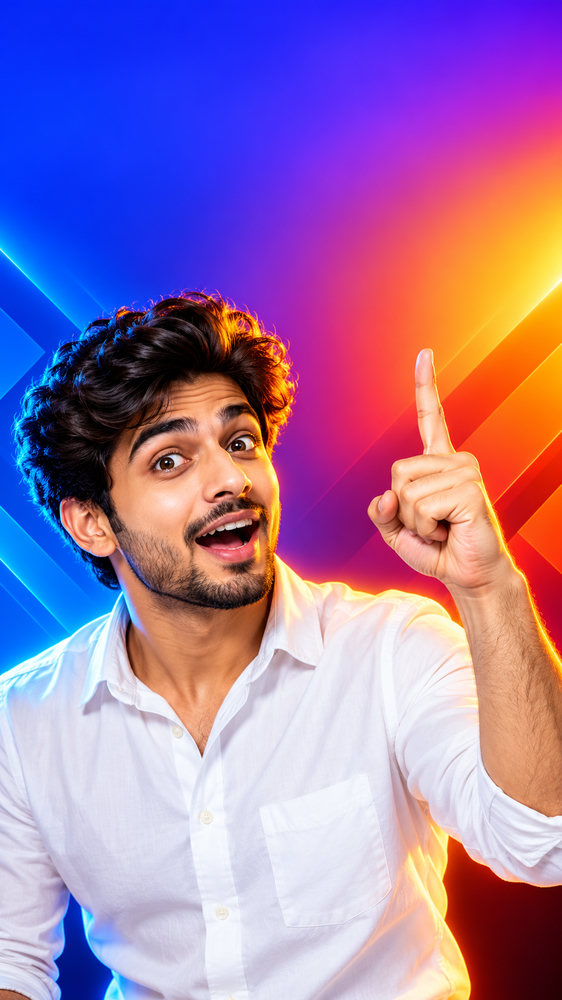
- Talking head plus headline: your face with a clear expression and two to four words such as "3 habits that fixed my skin".
- Series covers: the same layout and colour for every episode, with a number ("Part 4") so viewers can follow the order.
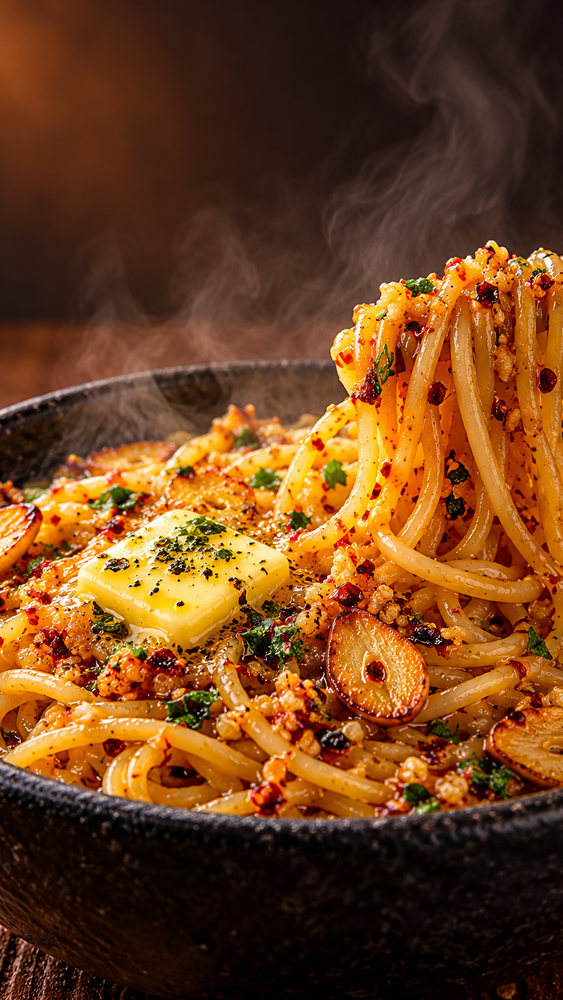
- Food and recipes: a close-up of the finished dish with steam and texture, and the dish name.
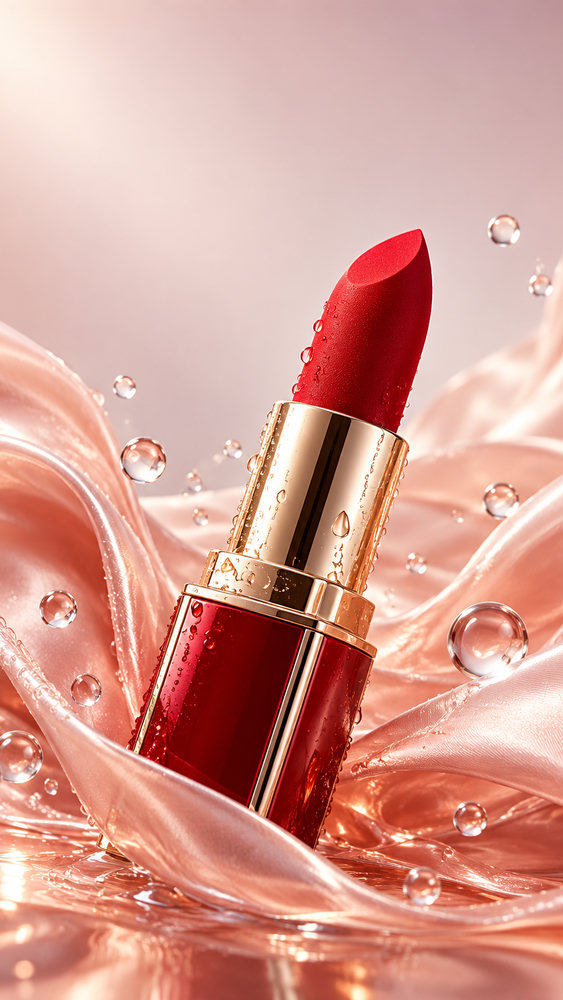
- Beauty and products: the product on a soft pastel background, with the benefit as the headline.
- Fitness: a dynamic pose and high-energy colour, with the workout length ("10-min abs").
Text that survives the grid crop
TikTok shows profile covers cropped to roughly 3:4 around the centre. Put your headline in the upper-middle part of the image, keep it short, and use a heavy font with an outline so it reads on any background. Our editor adds the text as real typography, so it is always spelled right and you can change it without regenerating the image. Exact numbers are in the TikTok cover size guide.
One design for TikTok, Reels and Shorts
All three use 1080×1920 vertical video. Export once and reuse the cover everywhere, or make a dedicated YouTube Shorts thumbnail if you want a different headline for YouTube search.
How it works
Frequently asked questions
What is the TikTok cover size?
1080×1920 pixels (9:16). The profile grid crops it to roughly 3:4 around the centre, so we keep the subject centred and the headline in the upper third. See the TikTok cover size guide for the safe zone.
Does it work for Reels and Shorts?
Yes. Instagram Reels and YouTube Shorts use the same 9:16 vertical format. Export once and reuse the file everywhere.
Can I use my own photo?
Yes. Upload a portrait or product as a reference and the AI keeps it while repainting the scene.
Is it free?
New accounts get 40 free credits, enough for about ten images. Free exports carry a small corner mark and are for personal use; Creator and Studio plans remove the mark and include a commercial license.