AI Product Photo Background Generator
Upload a product photo and describe the new setting. The AI keeps your product and builds a realistic scene around it, with matching light and shadows.
Size guide: Amazon Product Image Size & Requirements
Your images will appear here
Hover an image to download or add a title.
Examples made with AI Product Background Generator
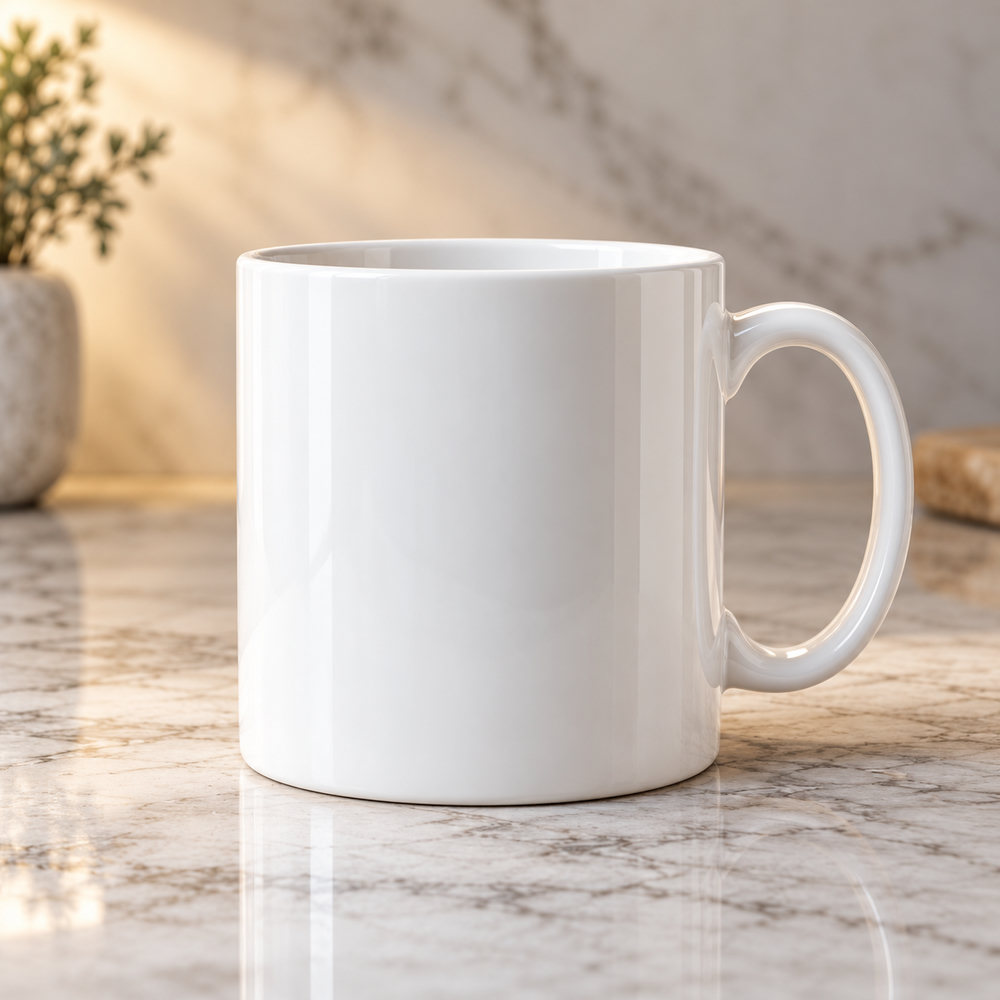
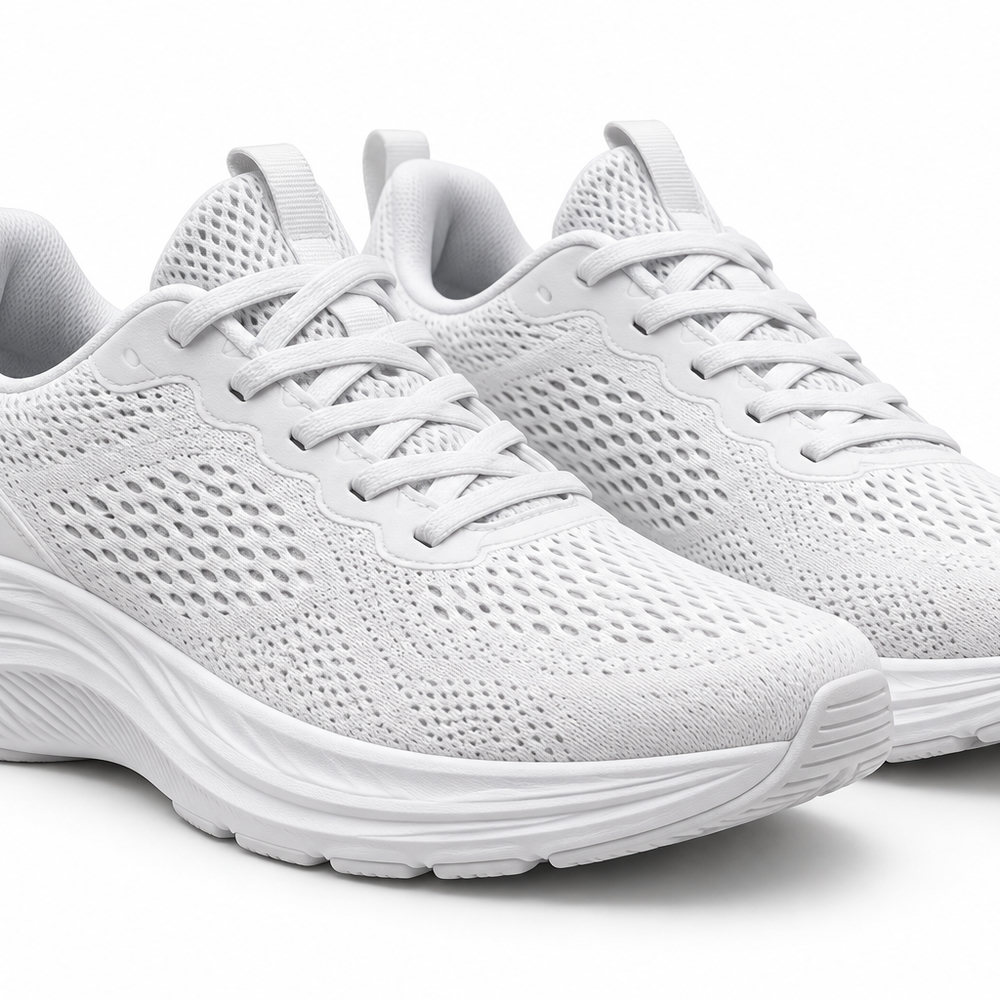
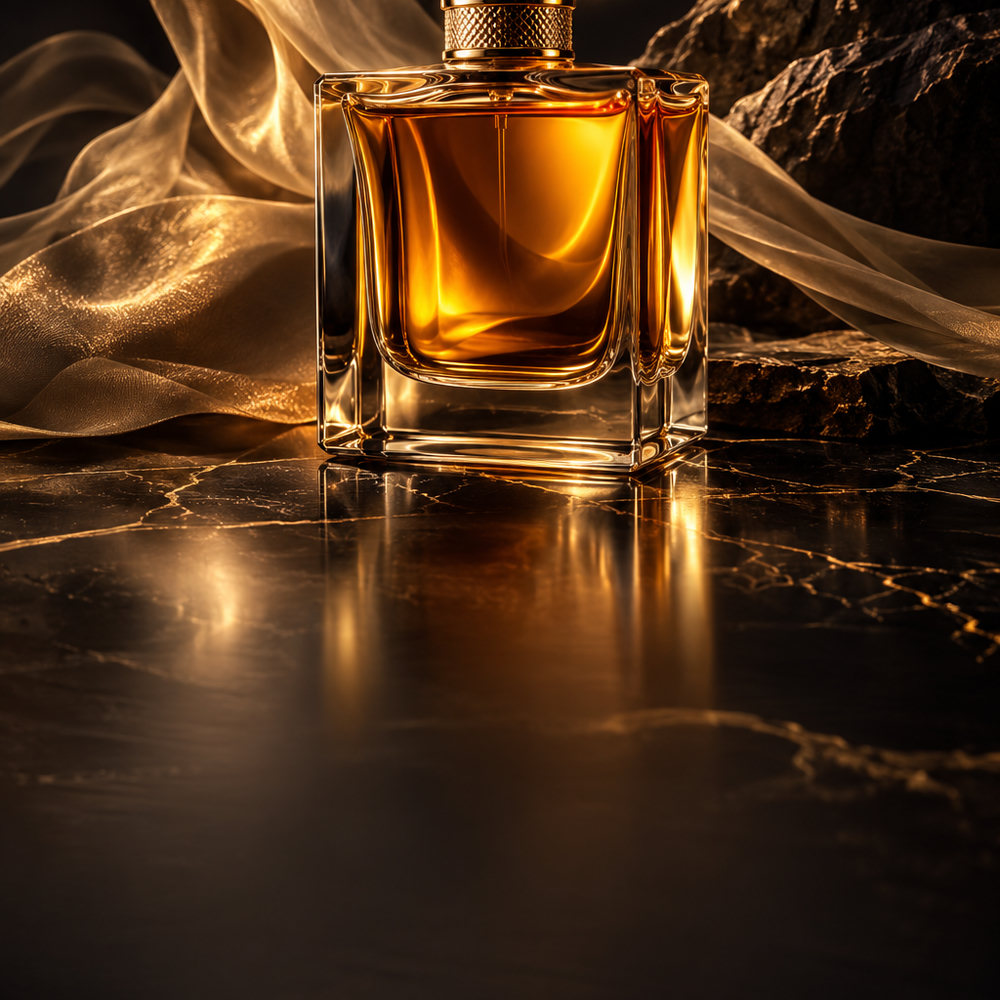
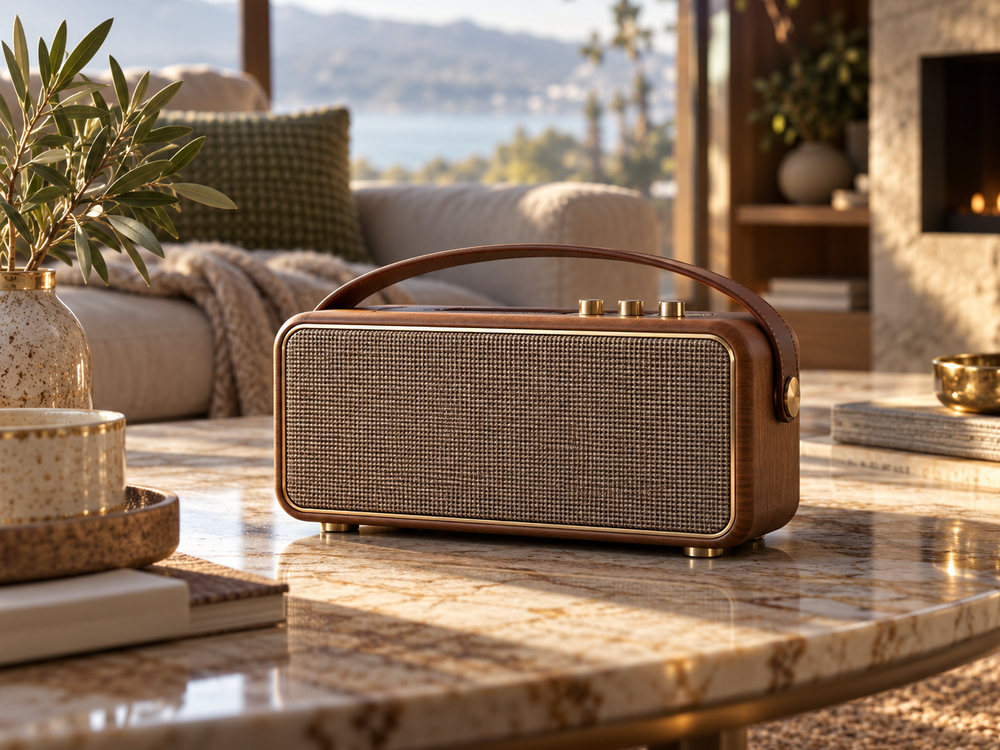
When to change a product background
- Your photo was taken on a kitchen table or a cluttered desk.
- You need a pure white main image for Amazon and a lifestyle scene for Etsy from the same shot.
- You want seasonal versions (holiday, summer, back to school) without a new photoshoot.
- You want the whole catalogue to look consistent on Shopify.
Background ideas by product
- Beauty and skincare: marble, soft pastel gradients, water droplets, flowers.
- Kitchen and home: wooden counters, morning light, linen and plants.
- Tech: dark studio with coloured rim light, clean desks.
- Fashion accessories: sand, stone, fabric textures, outdoor golden hour.
- Food and drink: rustic tables, fresh ingredients, steam.
Realistic shadows and light
A cut-out pasted on a new background looks fake because the light does not match. The generator rebuilds the scene around your product with matching light direction, contact shadows and reflections, so it looks photographed there. For the most realistic result, upload a photo where the product is lit softly from one side and describe a scene with similar light.
Keep a catalogue consistent
Use the same scene description and style for every product in a collection, and generate a few options per product so you can pick the closest match. For marketplace rules on the main image, read the Amazon image requirements.
How it works
Frequently asked questions
How is this different from a background remover?
A remover cuts the product out. This places it in a new, photorealistic scene with matching light, reflections and contact shadows, so it looks photographed there.
Will my label and colours stay the same?
The model is told to keep the product unchanged, and in most cases it does. Small label text can drift, so zoom in before publishing and regenerate if needed.
Which sizes can I export?
Square 1200×1200 for Shopify and ads, 1600×1600 white-background Amazon images, and 4:3 lifestyle shots for Etsy.
Is it free?
New accounts get 40 free credits, enough for about ten images. Free exports carry a small corner mark and are for personal use; Creator and Studio plans remove the mark and include a commercial license.