AI Pinterest Pin Maker
Tall 2:3 pins for recipes, how-tos, home and fashion. Describe the idea, get a Pinterest-ready image, then add a title that reads in the feed.
Size guide: Pinterest Pin Size 2026
Your images will appear here
Hover an image to download or add a title.
Examples made with Pinterest Pin Maker
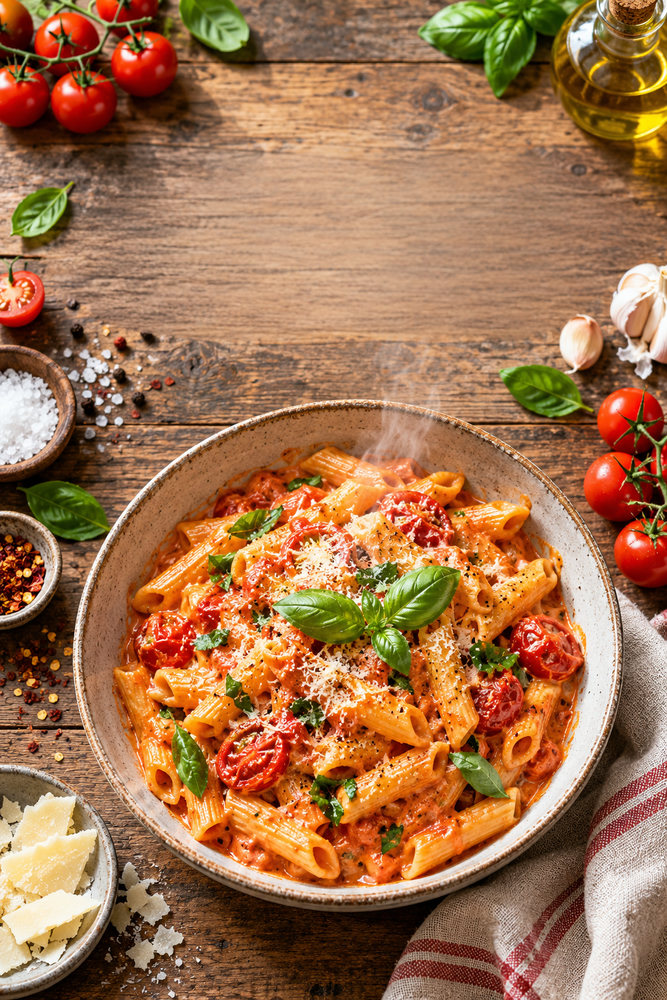
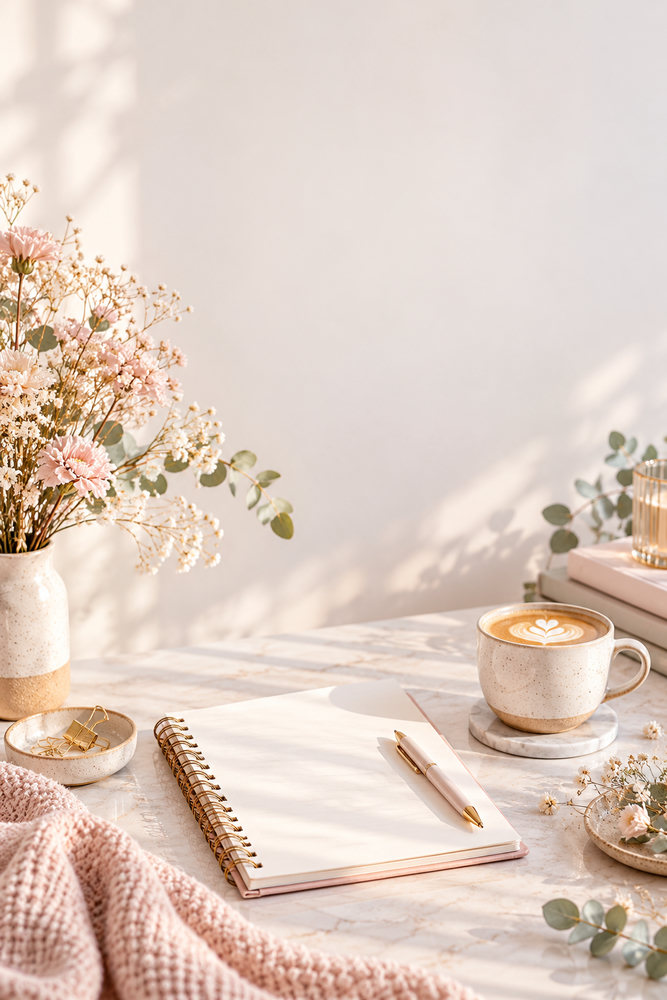
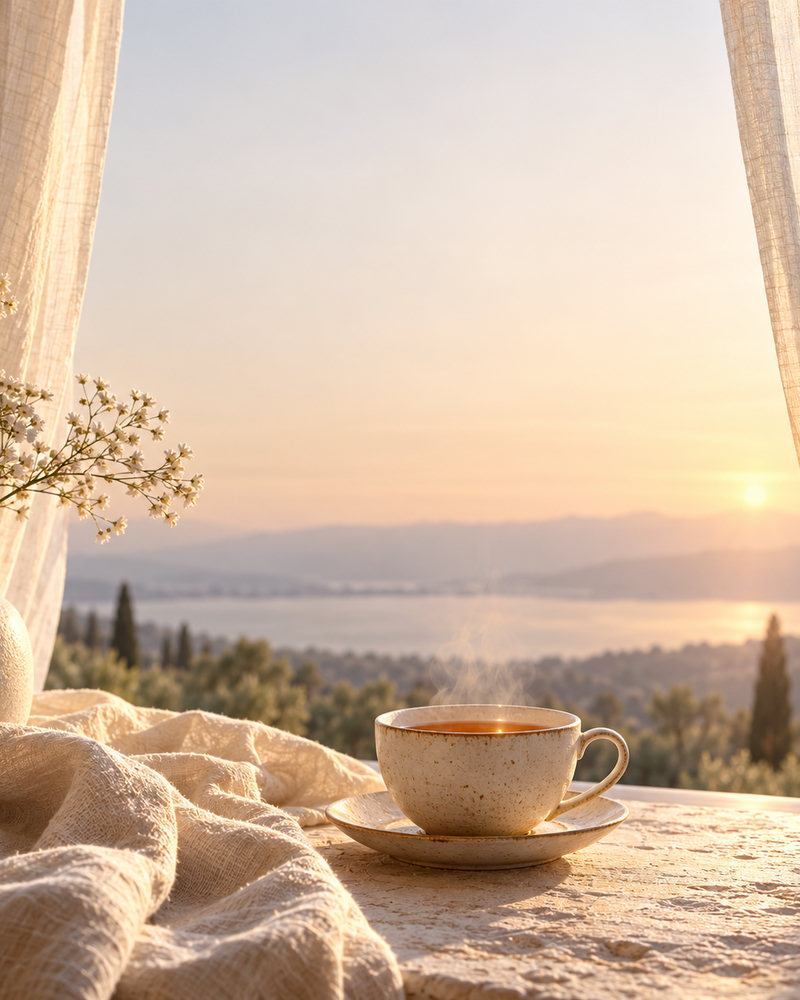
What makes a pin get saved
Pinterest is a visual search engine: people save pins they want to come back to. Pins that get saved make a clear promise ("20-Minute Tomato Pasta", "7 Small Balcony Garden Ideas"), show the result in one strong image, and are easy to read on a phone. Keep the text to one benefit and place it on a solid band so it stays legible over any photo.
Pin formats to try
- Recipe pins: an overhead shot of the finished dish, the recipe name and the total time.
- Listicle pins: an aesthetic scene with "7 ideas for…" as the title.
- Before and after: a split image for makeovers, organisation and DIY.
- Product pins: the product in a styled setting, with the problem it solves.
Make several pins for each blog post or product. Pinterest favours fresh images, and different designs reach different searchers.
Size and text tips
Use 1000×1500 pixels (2:3), Pinterest's own recommendation. Taller pins can be cut off in the feed. Keep your logo small, in a corner, and let the image and headline do the work. All the specs are in the Pinterest pin size guide.
A simple pin workflow
- Pick the search phrase your pin should show up for, such as "easy weeknight pasta".
- Generate the image that answers it: the finished dish, the finished room, the outfit.
- Add a headline with the phrase and one benefit ("20 minutes", "under $50").
- Write a keyword-rich description and link the pin to the matching page on your site.
- Make two more versions with different images or headlines and pin them over the following weeks.
How it works
Frequently asked questions
What is the best Pinterest pin size?
1000×1500 pixels (2:3), Pinterest's own recommendation. Pins taller than 2:3 can get cut off in the feed. We render exactly 2:3.
Can I add text to pins?
Yes. The editor overlays real typography so titles stay crisp and are never misspelled. Keep it to one clear benefit for the most saves.
Is it free?
New accounts get 40 free credits, enough for about ten images. Free exports carry a small corner mark and are for personal use; Creator and Studio plans remove the mark and include a commercial license.