AI YouTube Banner Maker
Describe your channel's vibe and get 2560×1440 channel art. Key elements stay in the centre safe area, so the banner looks right on phones, desktops and TVs.
Size guide: YouTube Thumbnail Size (2026): Official Dimensions & Limits · How to Make a YouTube Thumbnail, Step by Step
Your images will appear here
Hover an image to download or add a title.
Examples made with AI YouTube Banner Maker
The YouTube banner safe area
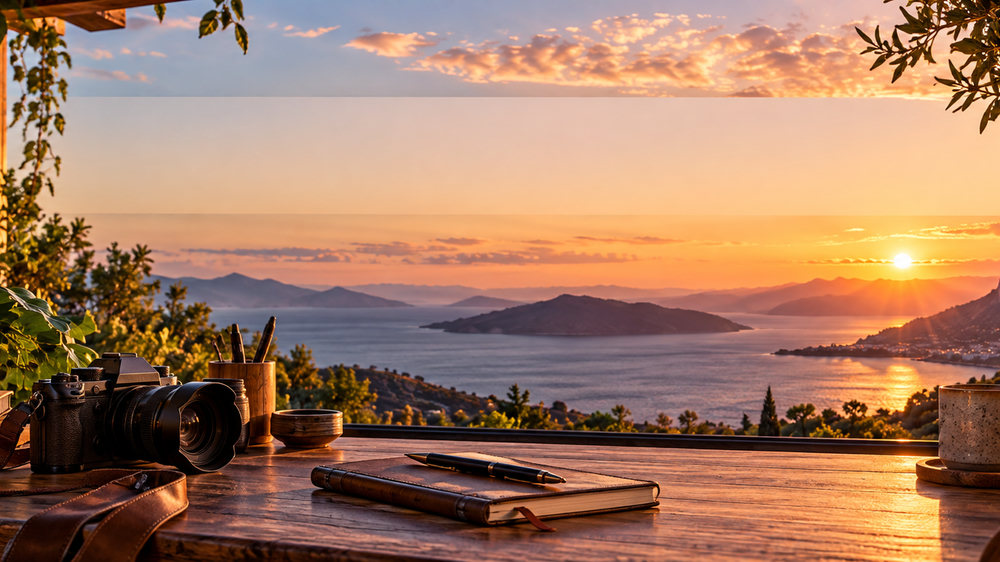
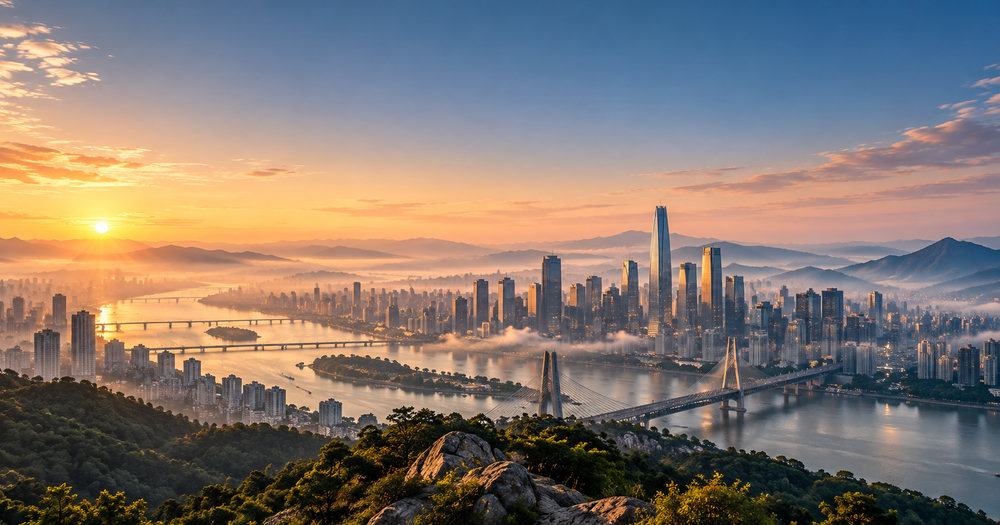
Channel art is uploaded at 2560×1440, but most devices only show a horizontal strip through the middle. On phones and desktops that strip is about 1546×423 pixels; TVs show the full image. Anything outside the strip may be cropped, so your channel name, face and tagline must sit inside it. ThumbnailSnap composes the scene so the centre band stays calm for your name while scenery fills the edges.
What to put on your channel art
- Your channel name, large and centred.
- A one-line promise: what viewers get and how often ("New tech reviews every Friday").
- A visual that matches your niche: a desk setup for tech, a trail for outdoors, a kitchen for cooking.
- Consistent colours with your thumbnails, so the channel looks like one brand.
How to upload it
In YouTube Studio, open Customisation, then Branding, and upload the banner image. YouTube shows a preview for TV, desktop and mobile; check that your name sits inside the visible area on mobile. Pair it with matching YouTube thumbnails for a consistent channel.
Banner ideas by niche
- Tech: a dark desk setup with soft RGB light and your upload schedule.
- Cooking: a bright kitchen counter with fresh ingredients at the edges.
- Travel and outdoors: a wide landscape with your name over the sky.
- Gaming: a stylised scene in your channel colours with your mascot.
- Education: a clean, minimal design with the topic you teach and a friendly tagline.
Whatever the niche, keep the middle calm and readable and let the decorative detail live at the edges, where TVs show it and phones crop it.
How it works
Frequently asked questions
What size is a YouTube banner?
2560×1440 pixels. Phones and desktops show only a central strip of about 1546×423, so we keep your name and key elements there.
Can I add my channel name?
Yes. Type it in and the editor overlays it as crisp text inside the safe area.
Is it free?
New accounts get 40 free credits, enough for about ten images. Free exports carry a small corner mark and are for personal use; Creator and Studio plans remove the mark and include a commercial license.