AI Podcast Cover Generator
Describe your show and get square 3000×3000 cover art with a bold motif that still reads as a tiny icon. Add your show name as real text.
Your images will appear here
Hover an image to download or add a title.
Examples made with AI Podcast Cover Generator
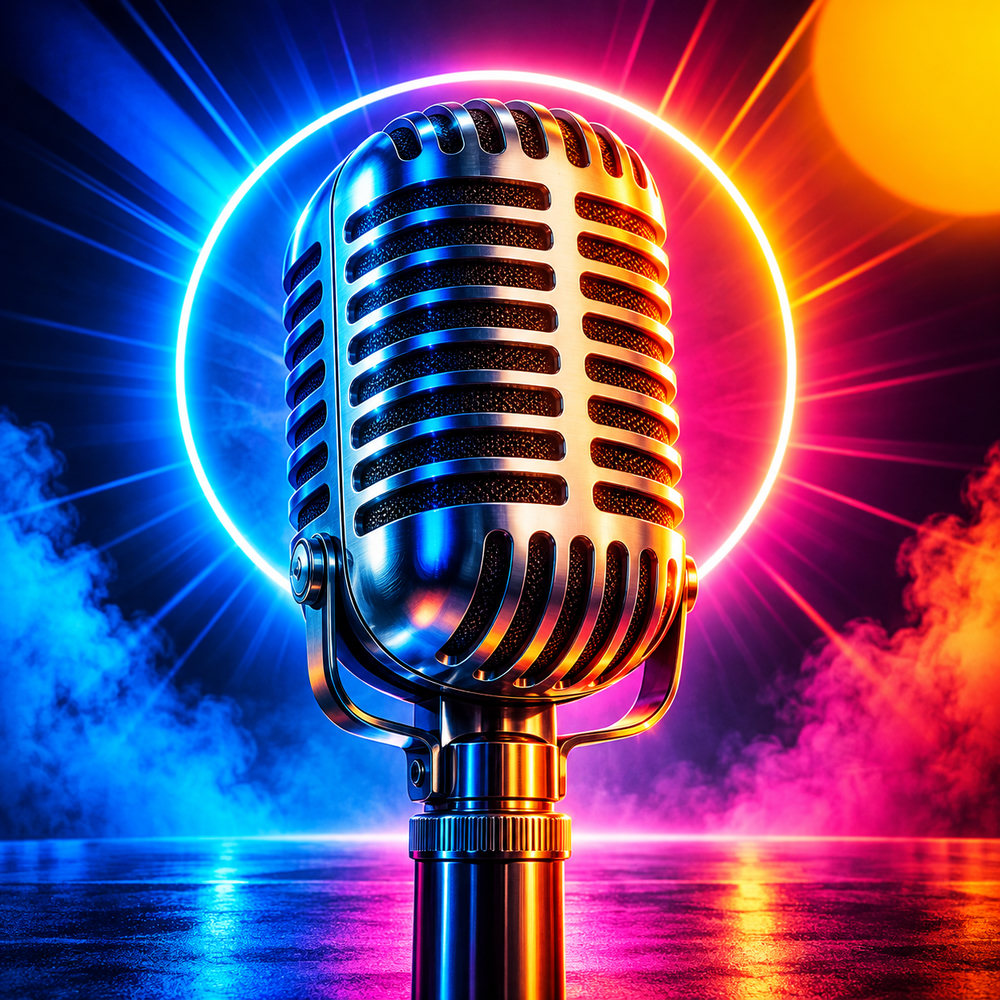
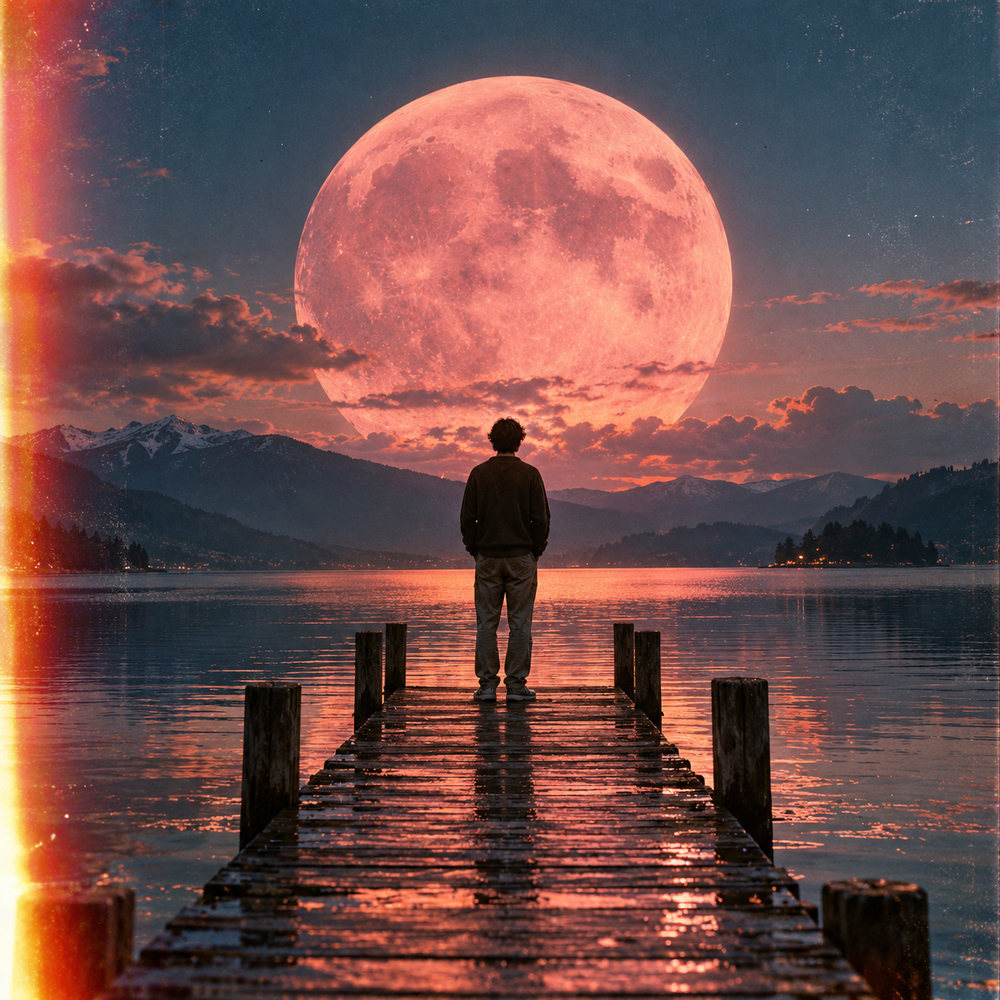
Podcast cover art requirements
Directories expect square artwork. Apple Podcasts asks for between 1400×1400 and 3000×3000 pixels, in JPEG or PNG and RGB colour, and Spotify follows similar rules. We export exactly 3000×3000, the size most hosts recommend. Your cover must not use other brands' logos or misleading text, so keep the show name and a strong visual.
Design for a tiny icon
Most listeners see your cover at the size of a fingernail in a podcast app. One bold symbol, two or three colours and a short, heavy show name beat a detailed illustration every time. Test it: shrink the image to 60 pixels wide. If you can still tell what the show is about, it works.
Cover ideas by genre
- True crime: dark palette, a single object (a magnifying glass, a fingerprint), high contrast.
- Business and tech: clean geometry, one accent colour, a bold sans-serif name.
- Comedy and chat: bright colours, playful illustration, the hosts as caricatures.
- Education: a simple icon for the topic and a calm, readable layout.
For music releases, use the album cover generator instead.
Mistakes that get covers rejected or ignored
- Too much text: episode lists, taglines and hosts' names become unreadable at app size.
- Low resolution: anything under 1400×1400 pixels may be rejected by Apple Podcasts.
- Other brands: app logos, microphones with real brand marks or celebrity likeness can cause problems.
- Thin, light fonts: they disappear on small screens. Use heavy weights and strong contrast.
- Changing the cover often: listeners recognise shows by their artwork. Refresh it rarely and deliberately.
How it works
Frequently asked questions
What size should podcast cover art be?
Square, 3000×3000 pixels is the common target for Apple Podcasts and Spotify. We export exactly that as a PNG.
Will the show name be spelled correctly?
Yes. The AI image stays text-free and the editor overlays your show name as real typography.
Is it free?
New accounts get 40 free credits, enough for about ten images. Free exports carry a small corner mark and are for personal use; Creator and Studio plans remove the mark and include a commercial license.