AI Christmas Photo Generator
Upload a selfie or family photo, describe the scene, and get a festive Christmas photo with your faces kept. Add a greeting and share it or print it.
Size guide: Christmas Card Messages: 60 Ideas for Everyone
Your images will appear here
Hover an image to download or add a title.
Examples made with AI Christmas Photo Generator
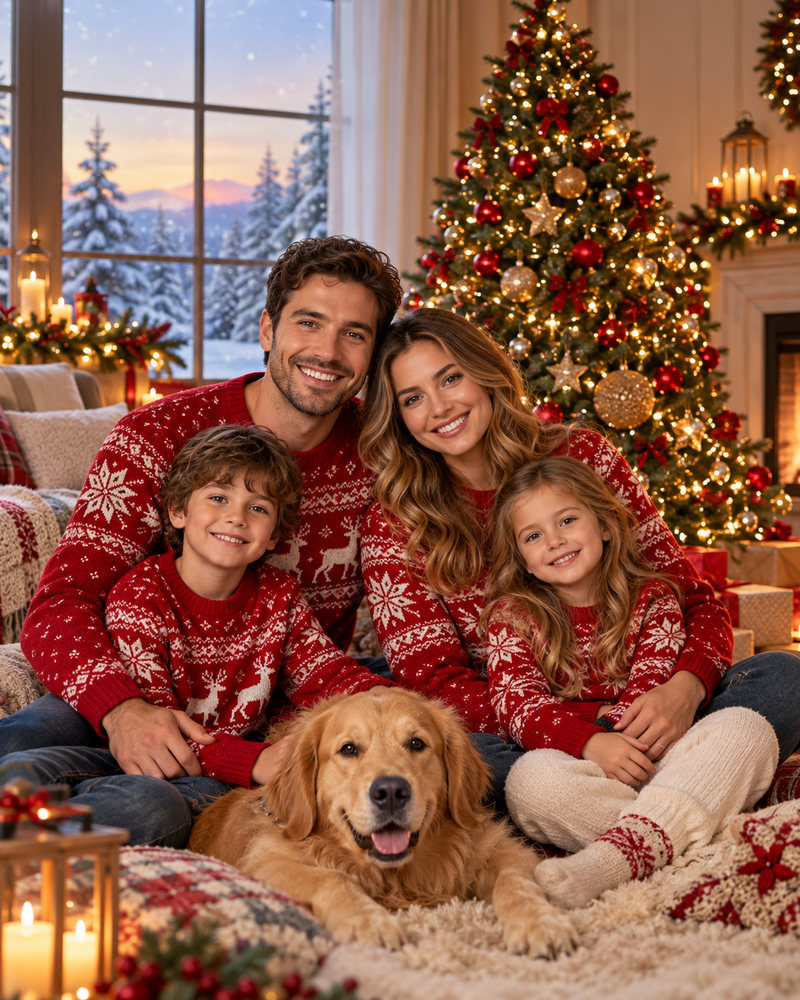
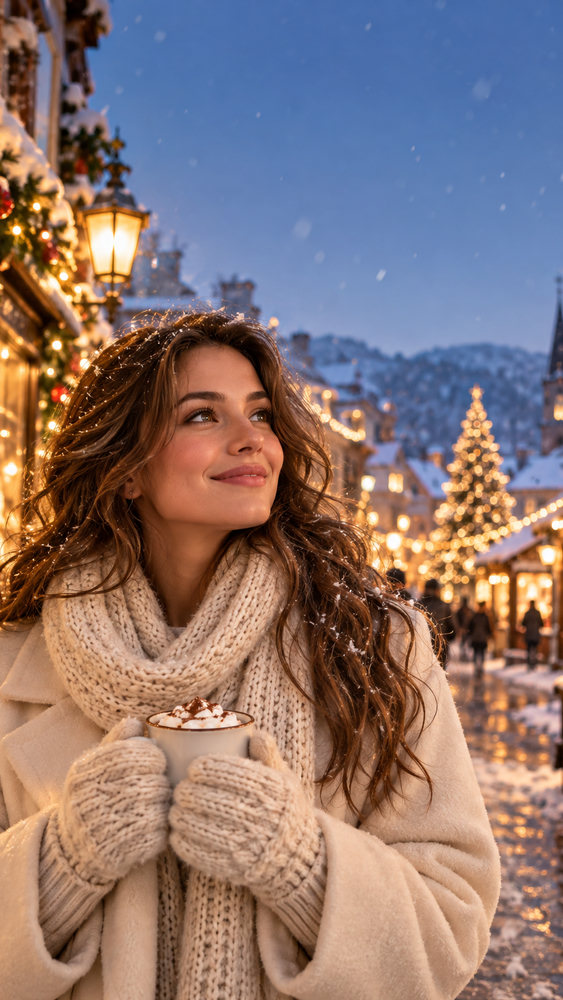
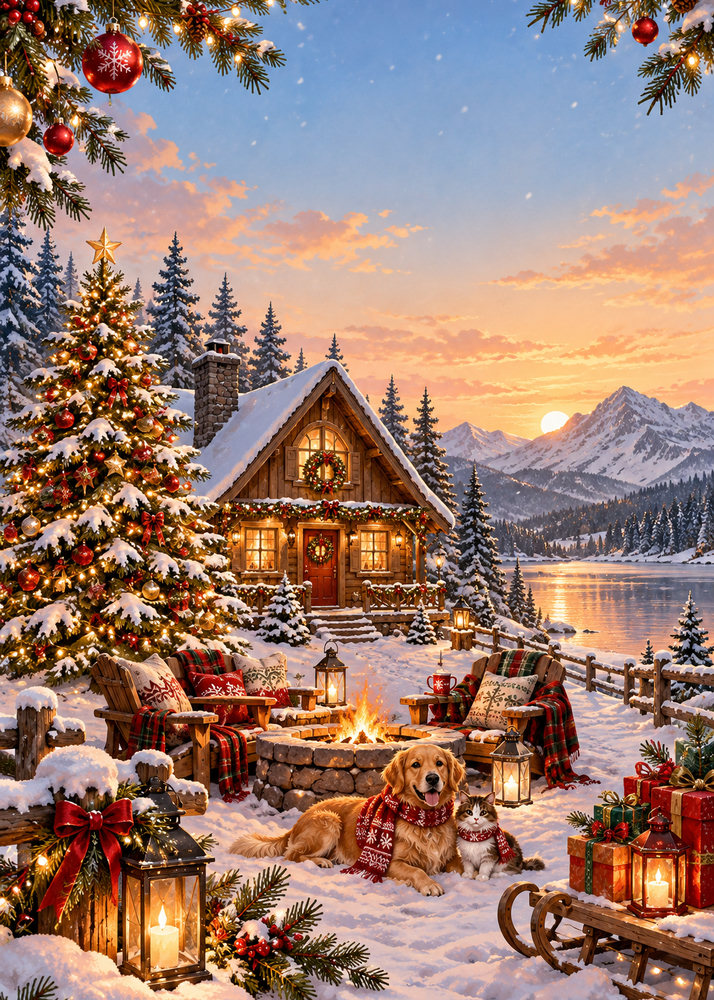
Christmas photo ideas
- Matching sweaters by the tree: the classic family photo, without coordinating everyone's schedule.
- Cosy fireplace: knitted blankets, warm light and mugs of cocoa.
- Snowy street at dusk: glowing shop windows and falling snow for a cinematic look.
- Vintage film: warm grain and faded colours for a nostalgic card.
- Winter cabin: a snowy forest, string lights and a wooden porch.
Get the best results
Use a clear, well-lit photo where every face is visible and not too small. Front-facing photos with natural expressions work best; heavy filters and sunglasses make it harder for the model to keep likeness. Describe the scene, clothes and mood in one sentence, and generate a few versions to pick the best one. Results vary, which is normal for AI photos.
Ways to use your photo
- A Christmas card: add a greeting, or use the Christmas card generator for an illustrated 5×7 card.
- Instagram and Facebook posts at 4:5, Stories and Reels at 9:16.
- Holiday profile pictures and family group chats.
- Printed photos and calendars.
Need words for the card? See our Christmas card messages.
Your photos stay yours
Uploaded photos and generated images are stored in your account so you can download them again. You can delete any image at any time, and deleting your account removes all of them. We do not use your uploads to train our own models. See the privacy policy.
How it works
Frequently asked questions
Will it keep our faces?
Upload a clear, well-lit photo and the AI keeps the people while repainting clothes, light and background. Results vary; generate a few and pick the best.
What sizes do I get?
4:5 (1080×1350) for Instagram and Facebook posts and 9:16 (1080×1920) for Stories and Reels.
Can I make a Christmas card from it?
Yes. Add a greeting and download, or use the Christmas card generator for an illustrated 5×7 print card.
Is it free?
New accounts get 40 free credits, enough for about ten images. Free exports carry a small corner mark and are for personal use; Creator and Studio plans remove the mark and include a commercial license.